AI Integration for Small Business Websites: A Practical Guide
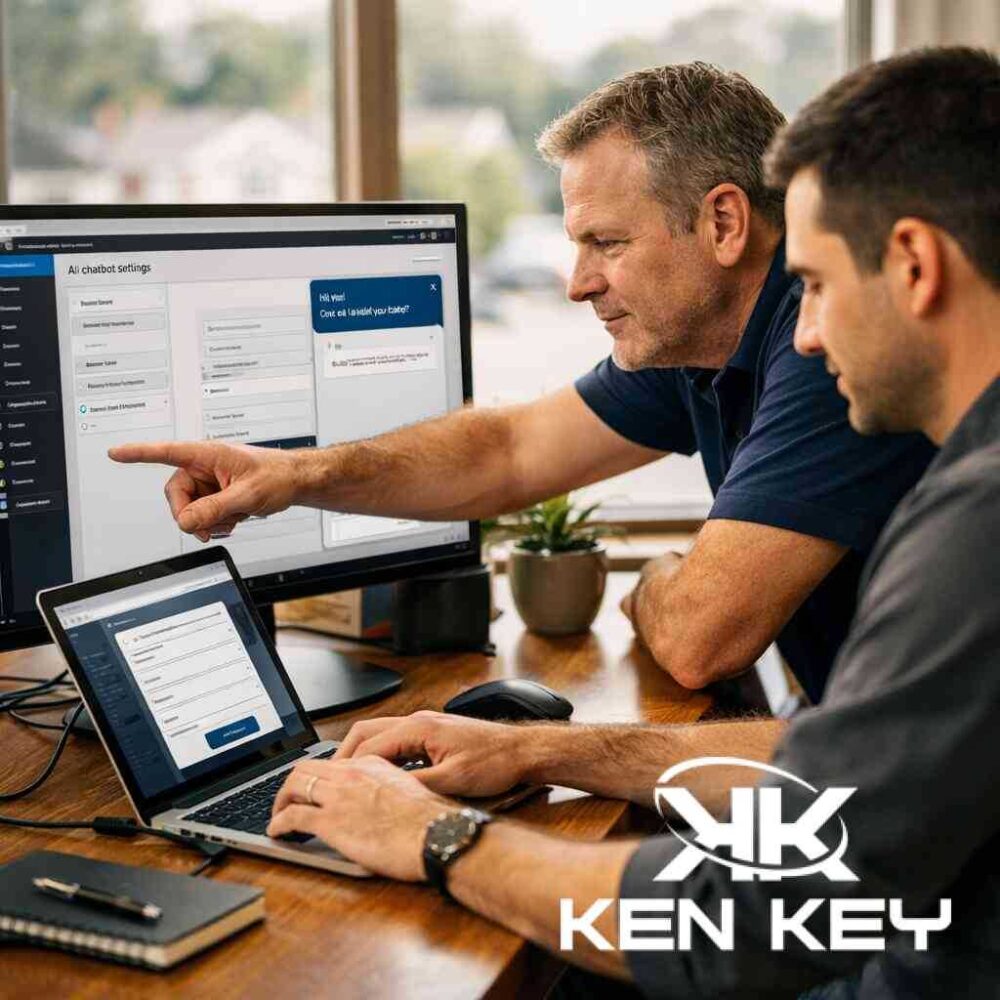
AI Integration for Small Business Websites
AI integration for small business websites can help you answer questions faster, reduce missed leads, and make your site more useful after hours. The key is to use it in the right places and keep the rest of the website fast, clear, and easy to trust.
Why small business websites need better response speed
Many visitors do not want to wait for a callback or search through several pages just to get a basic answer. They want to know whether you serve their area, what you offer, and how to get started. If a site cannot give them that quickly, they often leave.
That is why AI can be useful. It can help with simple questions, guide visitors to the right page, and collect lead information when no one is available to reply right away. For many businesses, this is less about flashy technology and more about preventing lost opportunities.
Where AI helps first
AI works best when it handles repetitive tasks that slow people down. Good starting points include:
- Answering common questions
- Routing visitors to the right service page
- Collecting contact details
- Helping with appointment requests
- Providing after-hours support for basic inquiries
These uses are practical because they support the visitor without taking over the whole site. The goal is not to replace human service. The goal is to make sure people can move forward when they are ready.
Where AI becomes a problem
AI can create more confusion if the website is already unclear. If your services are poorly described, your site loads slowly, or your navigation is hard to follow, AI will not fix the core issue. It may even make the site feel more cluttered.
A small business website should not feel overloaded with chat pop-ups, extra scripts, and too many plugins. If AI tools slow down the page or distract from the main message, they can hurt more than help.
Start with a strong website foundation
Before adding AI, make sure the website is ready for it. A strong foundation usually includes:
- Clear service pages
- Simple navigation
- Fast mobile performance
- Easy-to-find contact options
- Readable content written for real people
- Proper semantic structure so the site is easy to understand
This matters because AI works better when the site already explains the business well. If the information is clean and organized, AI can guide visitors with much better accuracy.
Why data quality matters more than the tool
Many business owners focus on which AI tool to use, but the bigger issue is data quality. The system needs accurate business details, service descriptions, hours, locations, and next steps. If that information is missing or inconsistent, the AI may guess.
That can lead to bad answers, confusion, or missed leads. In other words, the technology is only as good as the information behind it.
Use structured content so AI can understand the business
A website becomes easier for both people and AI systems to use when it has clear headings, organized pages, and structured information. Service pages should explain:
- What the business does
- Who the service is for
- Where the business works
- What the next step should be
This is also where structured data and semantic markup can help. When the site is set up with clear page structure, AI tools can better understand the business and provide more relevant responses.
Good first uses for AI on a small business site
If you are thinking about adding AI, start small. A few useful first steps include:
1. Basic website chat
A simple chat tool can answer common questions and direct visitors to the right place. This is especially useful after business hours.
2. Lead intake support
AI can collect names, phone numbers, email addresses, and project details before passing the information to your team.
3. Appointment guidance
For service businesses, AI can help visitors understand availability and next steps without forcing them to search for the right form.
4. FAQ support
Frequently asked questions are one of the easiest things to automate. If the answers are consistent, AI can save time and reduce repetitive calls.
Keep the experience simple
The best AI integration feels invisible. Visitors should get help without feeling like they are dealing with a complicated system. Keep the interaction short, useful, and easy to exit.
A good rule is to let AI support the visitor, not take over the experience. The main pages should still do the heavy lifting. The AI tool should simply make the next step easier.
A practical rollout plan
A careful rollout is usually the safest approach. You can think about it in stages:
- Review the current website structure and content
- Fix weak service pages and confusing navigation
- Improve speed and mobile usability
- Add one AI feature at a time
- Test the visitor experience on desktop and mobile
- Review whether the tool is actually reducing friction
This step-by-step approach keeps the site manageable and prevents unnecessary bloat.
Final thoughts
AI integration for small business websites works best when it solves a real problem. It should help visitors get answers faster, improve lead capture, and support your team without slowing the site down.
If the site already has a strong structure, clear content, and good performance, AI can become a useful extension of the business. If the foundation is weak, the smarter move is to improve that first. In most cases, clarity and speed still matter more than any single tool.
How to Add AI Integration to Small Business Websites


Comments
Post a Comment