Long Island’s Ken Key Builds Electron Desktop Apps at Scale
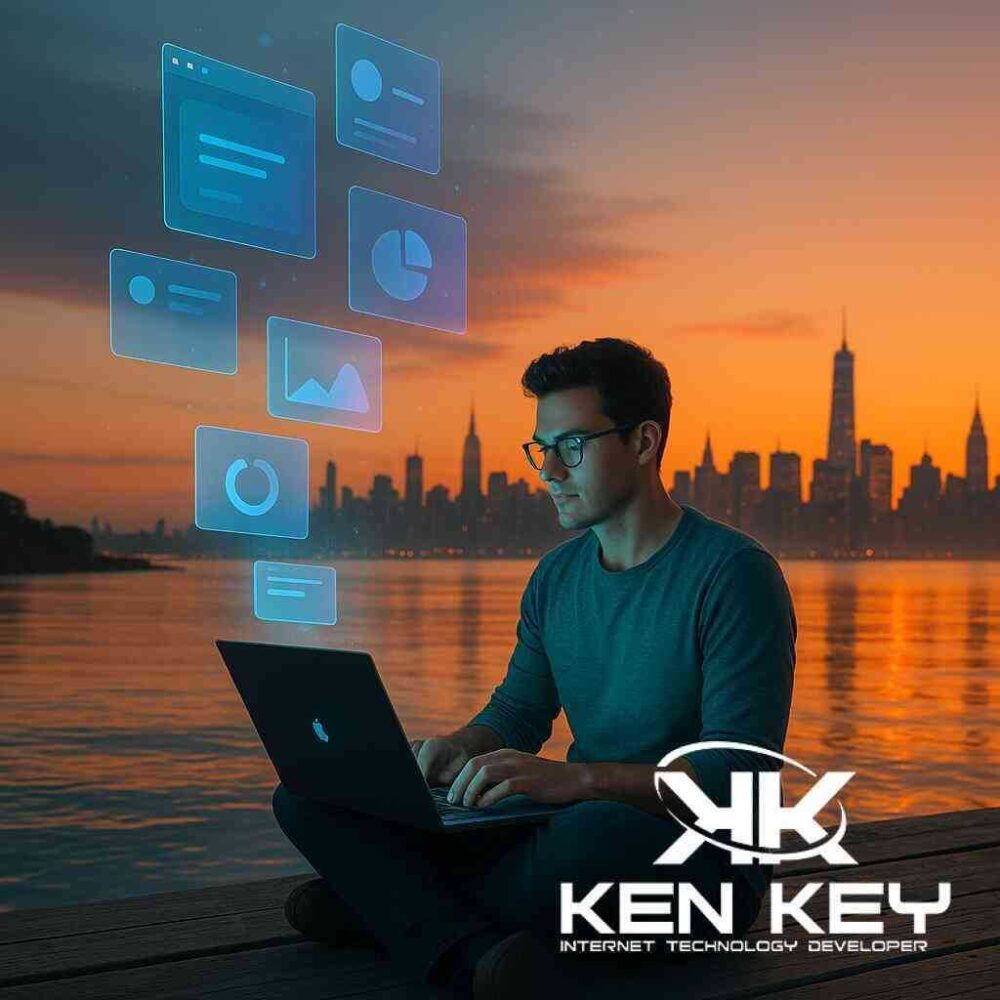
Building Native-Feel Software With Web Skills
Ken Key is a Long Island software engineer who turns ordinary JavaScript into polished desktop applications. Using the Electron framework, he delivers Windows, macOS, and Linux executables from a single codebase—an approach that sets him apart from many traditional web developers in New York.
From LAMP Roots to Cross-Platform Vision
Ken entered the profession through the classic LAMP stack: Linux, Apache, MySQL, and PHP. Mastering that foundation gave him a deep respect for stability, security, and clean server architecture. When JavaScript matured and Node.js arrived, he extended those skills to the full stack, blending back-end knowledge with modern front-end tooling.
Electron is the natural next step in that progression. It packages Chromium and Node.js together, allowing Ken to reuse web components while presenting users with an offline-capable desktop experience. The strategy keeps development costs predictable and lets small Long Island businesses compete with firms that maintain separate native apps for every operating system.
Why Local Businesses Choose Electron
Many Long Island companies operate warehouses, retail kiosks, or real-estate offices where internet access can drop without warning. A pure web solution can fail at the worst moment—exactly when staff need to print a shipping label or finalize a contract. Electron apps store logic and assets locally, so they keep running even when Wi-Fi is unreliable.
Key benefits include:
- One codebase, three platforms. Windows PCs at dispatch, MacBooks in the design studio, and Linux tablets on the shop floor all share the same interface.
- Offline resilience. Data syncs when a connection returns, but day-to-day tasks never pause.
- Familiar skills. JavaScript, HTML, and CSS remain the core technologies, easing long-term maintenance.
- Fast prototyping. Stakeholders can test features in days, not months, because there is no native-language rewrite.
Crafting User Experience That Feels Native
A desktop shell is only as good as its interface. Ken treats UI design as a first-class discipline, not an afterthought. He leans on Tailwind for consistency, tests color contrast for accessibility, and validates layouts on multiple screen sizes before a build ships.
Small usability touches matter:
- Smooth window controls that respect each operating system’s conventions.
- Keyboard shortcuts mapped to common workflows for warehouse scanners or power users.
- Automatic updates delivered securely so clients never juggle installers.
Because Ken also manages search-engine optimization for several local sites, he understands how user engagement and interface clarity reinforce a brand’s reputation. That crossover knowledge guides the subtle polish that makes an internal tool feel like a commercial product.
Reusing Web Components for Rapid Delivery
Years of WordPress theme development gave Ken a library of tested modules: authentication flows, analytics hooks, and reusable form elements. In Electron, he repurposes those modules inside a desktop container. The practice reduces bugs and lets clients invest resources in new features rather than recreating basics.
A typical workflow:
- Define core requirements. Inventory management, point-of-sale, or data visualization often lead the list.
- Identify reusable pieces. Login screens, dashboards, and chart components port easily from existing web projects.
- Wrap with Electron. Menu bars, tray icons, and native dialogs replace browser chrome.
- Package and sign installers for each operating system.
- Automate updates so future patches deploy silently in the background.
By stage five, a firm has a production-ready desktop app built largely on code it already trusts.
Security and Compliance
Distributing executables introduces new responsibilities. Ken signs every build, embeds code-signing certificates, and applies operating-system hardening flags. Sensitive credentials never live in the binary; environment variables and encrypted storage handle secrets. For firms bound by HIPAA, PCI, or SOC-2 guidelines, he documents each control so auditors can trace security posture from development to deployment.
Typical Use Cases on Long Island
- Warehouse scanning tools. Electron apps communicate with handheld barcode readers and sync inventory to cloud databases when networks allow.
- Real-estate comparison suites. Brokers open a desktop utility that caches listings, maps, and mortgage calculators for offline showings.
- Retail kiosks. Touch-friendly interfaces run full-screen in Chromium, then relay transactions once a high-speed line reconnects.
- Data dashboards. Executives receive cross-platform analytics that refresh automatically yet stay available on a plane.
How Ken Keeps Projects on Budget
- Single codebase. One set of features, one test matrix, lower QA hours.
- Open-source stack. Electron, React, and Node avoid per-seat licensing fees.
- Incremental releases. Minimal-viable products reach users quickly, allowing real-world feedback before large investments.
- Automated pipelines. Continuous integration signs, packages, and distributes builds in minutes, cutting manual labor.
The result is enterprise-grade software without Manhattan overhead.
Looking Ahead in 2026
Electron continues to evolve, adding features like native Apple Silicon optimization and tighter sandboxing for Windows 11. Ken tracks each update, ensuring his Long Island clients benefit early. He also experiments with Rust-powered native modules for compute-heavy tasks such as image processing, proving that JavaScript doesn’t have to limit performance.
Key Takeaways
- Electron lets Long Island businesses deploy reliable desktop apps with familiar web technologies.
- Ken Key’s background in LAMP, WordPress, and modern JavaScript provides a rare blend of server stability and front-end agility.
- A single, well-structured codebase lowers cost, speeds delivery, and simplifies future maintenance.
- Secure packaging, automated updates, and attentive UI design turn internal tools into commercial-grade products.
For organizations tired of juggling separate Windows, macOS, and Linux projects, an Electron strategy guided by an experienced local engineer can be the most efficient path to native-feel performance.
How Ken Key Masters Electron Desktop Apps Near Long Island


Comments
Post a Comment